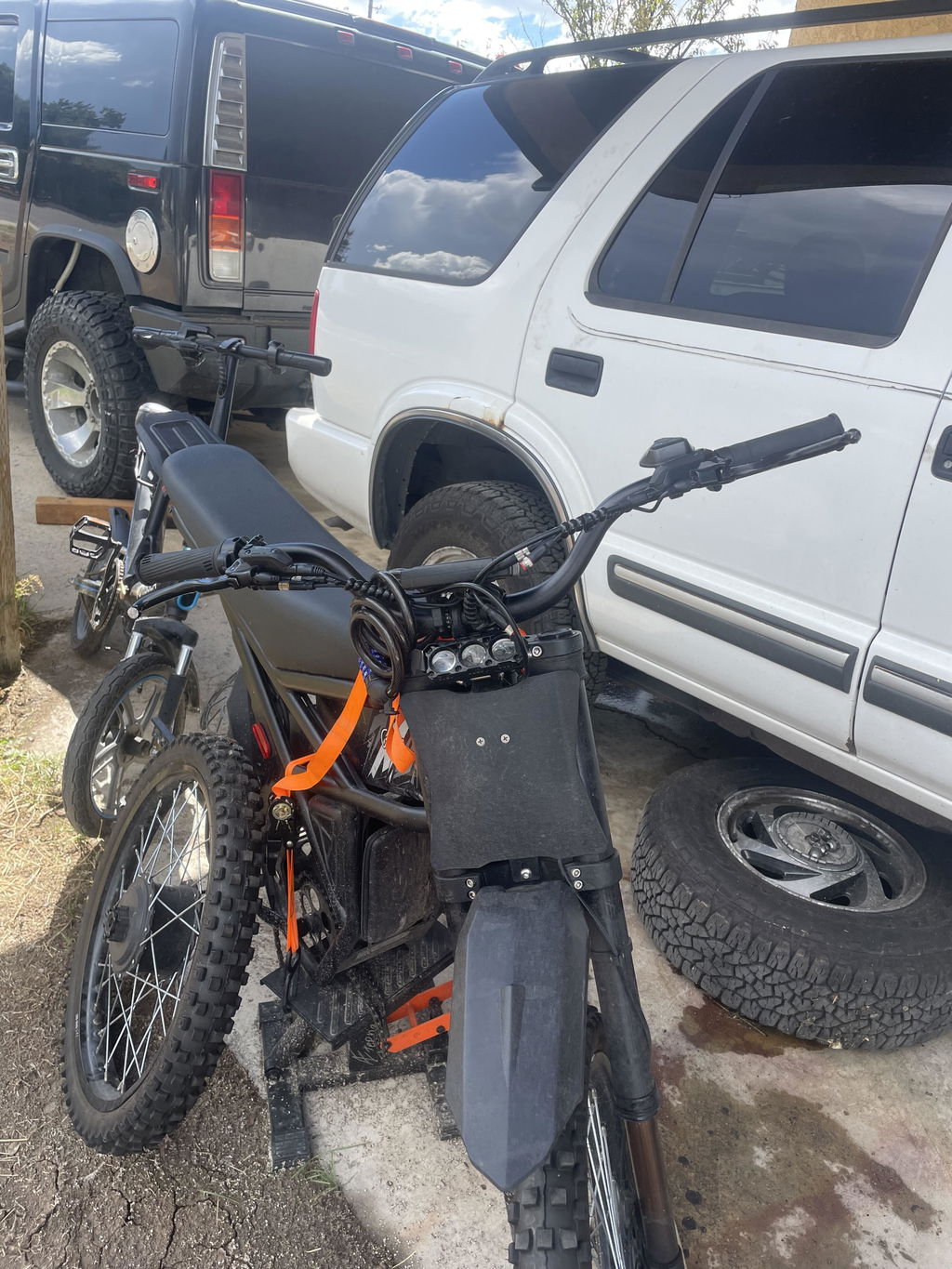
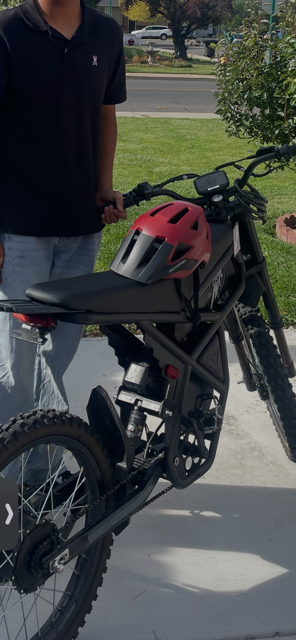
Unboxing a new electric bike should be exciting, but assembling unfamiliar components can feel overwhelming, especially for first-time e-bike owners. The Riding'times Z8 and Z8 Pro require final assembly and a careful safety inspection before the first ride. This guide explains how to prepare the necessary tools, install the front wheel, check the axle and fork hardware, and troubleshoot common problems. Follow the instructions for your exact model to help ensure your fat tire e-bike is ready for safe riding in Canada.
1. Tools and Installation Resources
Before beginning your Riding'times Z8 front wheel installation, prepare a clean, level workspace with enough room to position the bike securely. Keep the installation hardware organised and use the tools specified in your model's instructions. The front-wheel tutorial demonstrates the use of 15 mm and 17 mm open-end wrenches for the axle adjustment and fastening steps. Other stages of the complete bike assembly may require the supplied hex wrenches or screwdriver. For visual guidance, watch the official Z8 and Z8 Pro front wheel installation video below👇
For instructions covering the handlebar, pedals, front fender, lighting and other assembly requirements, visit the official Riding'times Canada Assembly Videos and Manuals page.
Important: Front-fork and axle hardware can differ between versions. Always use the instructions that match your bike's components rather than assuming every Z8 or Z8 Pro has identical hardware.
2. Pre-Installation Checks
Before installing the wheel, complete these checks:
-
Inspect the components: Check the front wheel, axle, fork, nuts, washers and supplied safety hardware for visible damage or missing parts.
-
Identify the axle system: Confirm which nuts, locking components and washers belong to your model. Do not discard parts that may be required for installation.
-
Check the anti-derailment hook: If your bike has a steel fork and requires an anti-derailment hook, confirm that the part is present and install it in the specified position. Never omit required safety hardware or substitute an improvised component.
-
Review the instructions: Check the relevant diagrams before loosening the axle or adjusting its position. If you cannot identify a component or its correct orientation, contact Riding'times support before continuing.
The anti-derailment hook and properly secured axle hardware are important safety considerations. An incorrectly tightened axle or a missing required hook on an applicable steel-fork model can allow the front wheel to detach. Do not ride if any required safety component is missing or incorrectly fitted.

3. Step-by-Step Front Wheel Installation
Step 1: Prepare and adjust the axle
Use the appropriate open-end wrenches to loosen the relevant locking nuts. Adjust the axle gradually while keeping the small components in place. Take particular care with the small steel ball inside the axle mechanism, as it can fall out during adjustment. The current Z8 front-wheel installation PDF specifies that the exposed thread should measure 22.5 mm on each side after the wheel assembly has been centred. Apply this measurement only if it matches the instructions for your exact axle configuration. Compare both sides carefully, then secure the locking nuts according to the manufacturer's instructions.
Step 2: Check the axle movement
Turn the relevant components by hand to check for smooth movement. Use the specified wrenches to secure the locking nuts in the correct sequence. If the axle binds, feels uneven or becomes difficult to turn, stop and review the adjustment. Do not force the mechanism or continue tightening to overcome resistance. Check that the components are correctly positioned before proceeding.
Step 3: Remove the shipping spacer
Remove the temporary protective spacer between the front fork ends. Keep any reusable components and discard only material identified as packaging. Inspect the fork dropouts and confirm that no packaging remains in the mounting area. Identify the anti-derailment hook and other fork-specific safety hardware before fitting the wheel.
Step 4: Position the front wheel
Lift the front wheel into the fork dropouts, making sure the axle sits correctly on both sides. The brake disc should be on the left side of the bike when facing the direction of travel. Avoid forcing the wheel into position or bending the brake rotor. If the axle does not align with the fork, check the wheel orientation and axle adjustment before continuing.
Step 5: Fit the washers and secure the axle
Install the washers, nuts and any required anti-derailment hardware in the correct order and orientation for your model. Start threaded fasteners carefully by hand to avoid cross-threading. Tighten the axle hardware using the specified tools and manufacturer instructions. If your particular version uses a quick-release mechanism, follow its designated tightening and securing procedure. Do not assume that a quick-release lever is fitted to every axle configuration, and never substitute a generic tightening method for the instructions supplied with your bike. Before moving on, confirm that the wheel is seated correctly and that every required fastener and safety component is in place.
4. Final Safety Check Before Riding
A correctly installed wheel is only one part of a safe e-bike setup. Before your first ride, complete the following safety checks:
-
Front axle: Confirm that the axle is seated correctly and all required nuts or quick-release components are securely fastened.
-
Anti-derailment hook: Make sure the hook is correctly installed if it is required for your steel-fork configuration.
-
Wheel and rotor: Check that the wheel is centred, rotates without noticeable wobbling, and has no persistent brake-rotor rubbing.
-
Brakes: Test both brakes while the bike is stationary. They should engage properly and provide reliable stopping power.
-
Handlebar and headset: Ensure the handlebar, stem and steering assembly are secure, with no looseness or unusual movement.
-
Tires: Inflate both tires to the pressure range printed on the tire sidewall or specified in your model's manual.
-
Pedals and fasteners: Confirm that the pedals and all other assembled components are secure.
-
Battery, display and lights: Check that the battery is locked in place and the display and lights operate correctly.
Safety warning: Do not ride if the wheel moves in the fork, the axle is loose, the brakes do not work correctly, or any required safety hardware is missing. If you are unsure about the installation, ask a qualified bicycle or e-bike technician to inspect it before riding.
5. Troubleshooting Common Front-Wheel Issues
Why does the front wheel wobble?
The axle may not be seated correctly, or the wheel or rim may be damaged. Stop and inspect the installation against the model-specific instructions. If the wheel remains unstable after correct installation, do not ride until the problem has been resolved.
Why does the brake rotor rub against the brake pads?
Check that the wheel is correctly positioned and the rotor is not visibly bent. Persistent rubbing may require professional brake adjustment. Do not force the rotor or ride if braking performance is affected.
What if the axle feels stuck during installation?
Stop and check the axle adjustment, washers and locking components. Avoid forcing the shaft or overtightening the nuts. If the mechanism remains difficult to operate, contact technical support.
What if the front wheel becomes loose or detaches?
Stop riding immediately and do not attempt to continue using the bike. Have the axle fastening and required anti-derailment hardware inspected before riding again. Report the issue to Riding'times support, providing photographs or video of the affected components.
Free Parts and Customer Support
If you discover missing, damaged or incompatible components during your Riding'times Z8 Pro assembly, contact the support team before attempting an improvised repair.
Email support@ridert.com and include your order number, bike model, serial number, a clear description of the problem, and relevant photographs or video. For motor-related issues, include the motor serial number; for battery-related issues, include the battery production label. This information helps the technical team identify the affected component and advise on suitable replacement parts. Visit the official Riding'times Canada Accessories collection and contact support to confirm part availability and compatibility.
Get Your Riding'times Z8 or Z8 Pro Ready
Correct assembly helps you enjoy your fat tire e-bike with greater confidence, but safety checks should never be skipped. Follow the model-specific installation instructions, confirm that the axle and required fork safety hardware are secure, and inspect the entire bike before setting off.
Ready to finish your setup? Explore the Riding'times Z8 and Z8 Pro product page for model information and available options.